How to Delete an Account
We will often get customers who reach out via live chat or our support@assemblyai.com email address requesting that we close/delete their account.
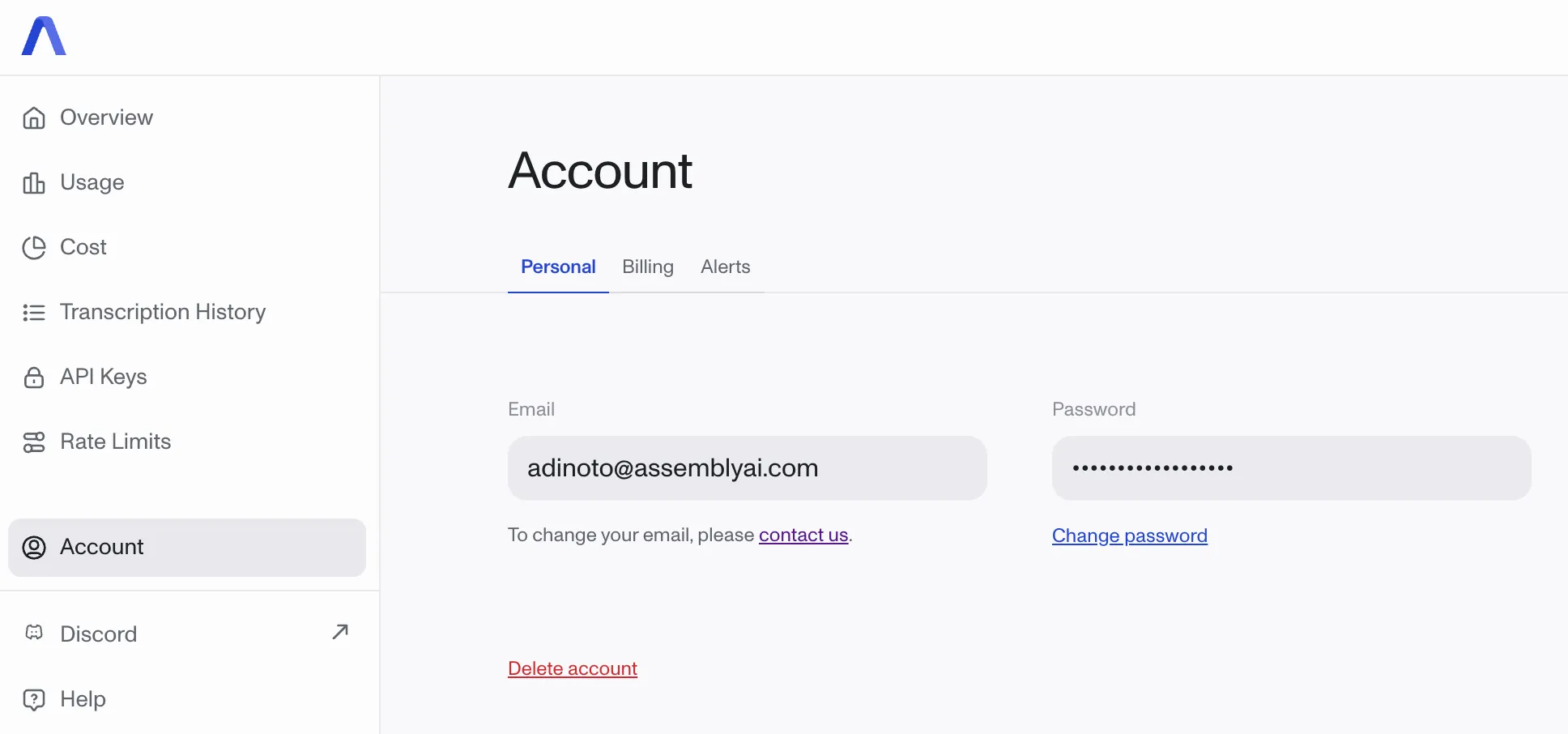
First, direct the customer on how they can do this via their dashboard. On their AssemblyAI account homepage under the account tab below their email and password there is a button with red text that says Delete account. They can click on that button and then follow the steps to move ahead with deletion.
If they are running into problems using their dashboard or you need to manually delete an account, you can do so via Retool. When you look up the customer’s account, there will be a section at the bottom called Delete customer. You just need to type in their email and then hit the Delete button. 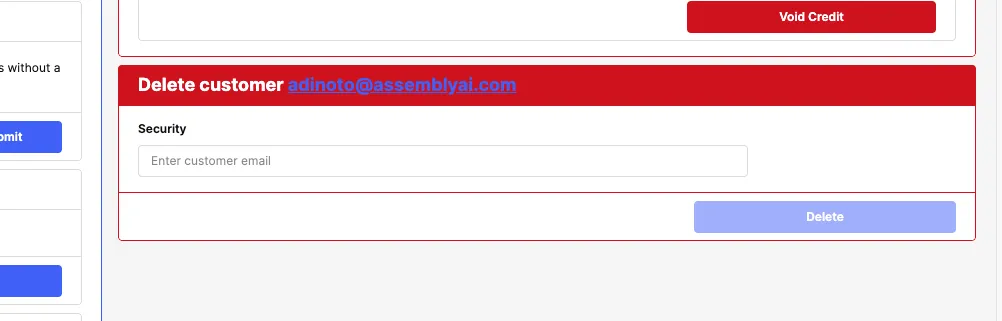
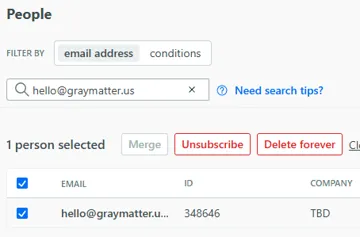
If you delete a customer manually, make sure to also delete the customer from customer.io. You can do this by searching the account under the People tab and then clicking “Delete forever”.