
How to look up the “crunch” of a transcript
Crunch is the total time it takes to complete a transcription represented as a portion of the audio’s duration.
Follow these steps to look up the “crunch” of a transcript:
-
Open Datadog and go to the Logs Explorer.
-
Enter the transcript ID for the transcript you would like to look up and search for the “crunch”
-
@transcript_id:<transcript-id> “crunch”
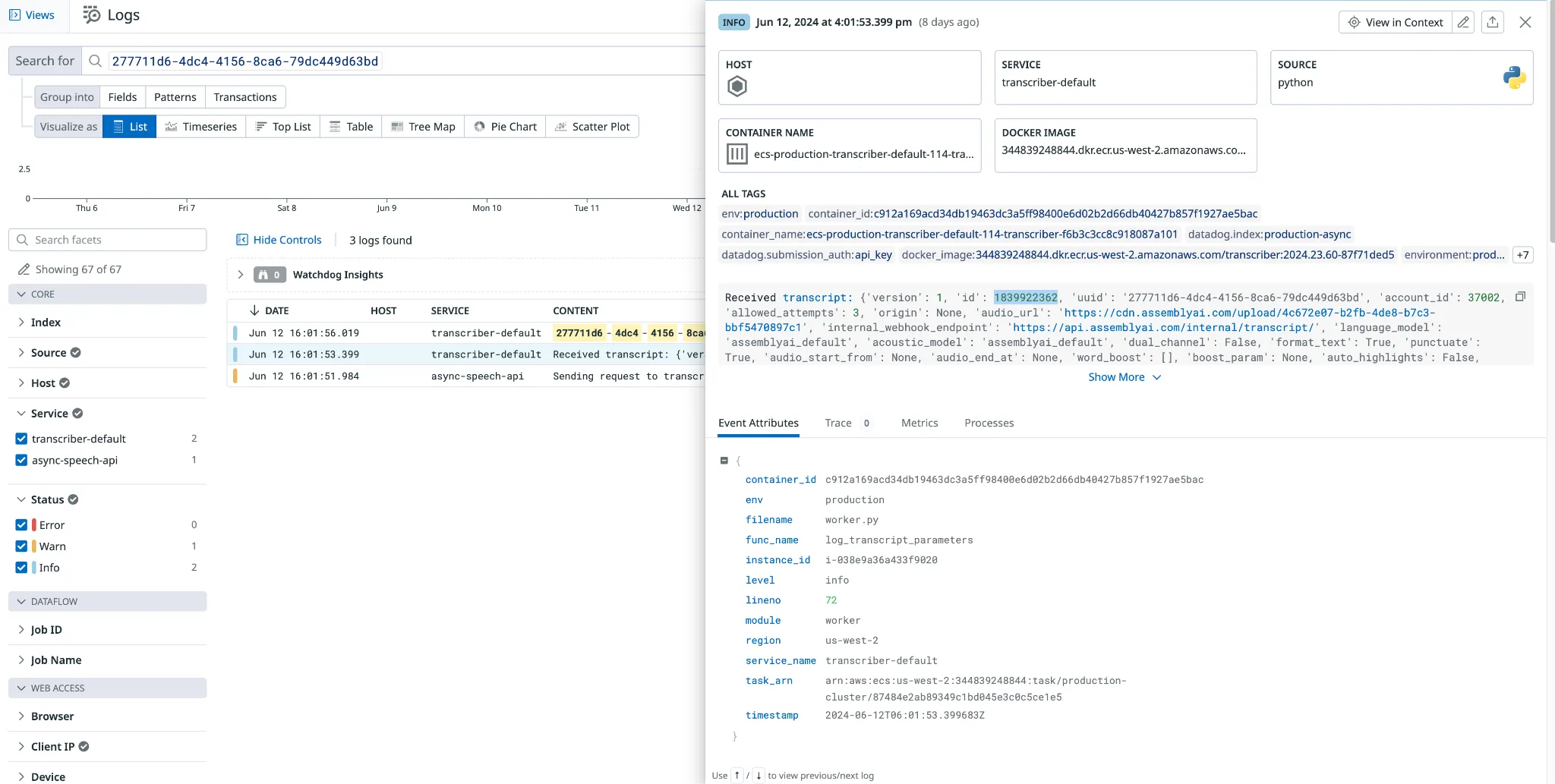 .
.
-
Click the log with the body: “Report true crunch for transcript” or “Crunch Ratio”
-
In the event attributes, find the crunch parameter
-
That should lead you to a section in the data that looks like this:
-
crunch 0.1868852823529411621983342683961382135748863220214843
- The file in this example had a crunch of 0.19.
-
You can use the true crunch number along with duration to calculate how long the transcription took to complete.
-
To do that take the duration (which is in seconds) and multiply it by the true crunch number. This will give you the number of seconds it took for the transcript to complete.
- In the above example, the time to complete would be 15.3 seconds (85 * 0.19).
-